
More time for your ideas.
Less time fixing your paper.
Get from rough draft to finished paper without losing hours to formatting, citations, and style rules. You approve every change.
no account needed
Or learn moreFixes as you write
01 / 05At this point in time
Now
Keep the meaning. Cut the extra words.
The fix
One editor, fixing everything as you write.
A workshop note by Fabian & Carlos
Building things is cool.
But documenting them? Not so much.
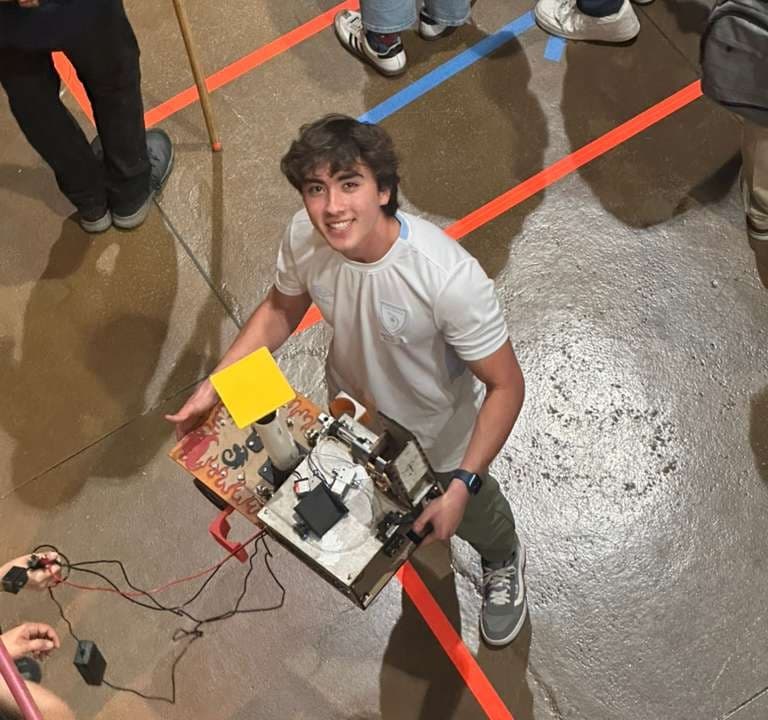
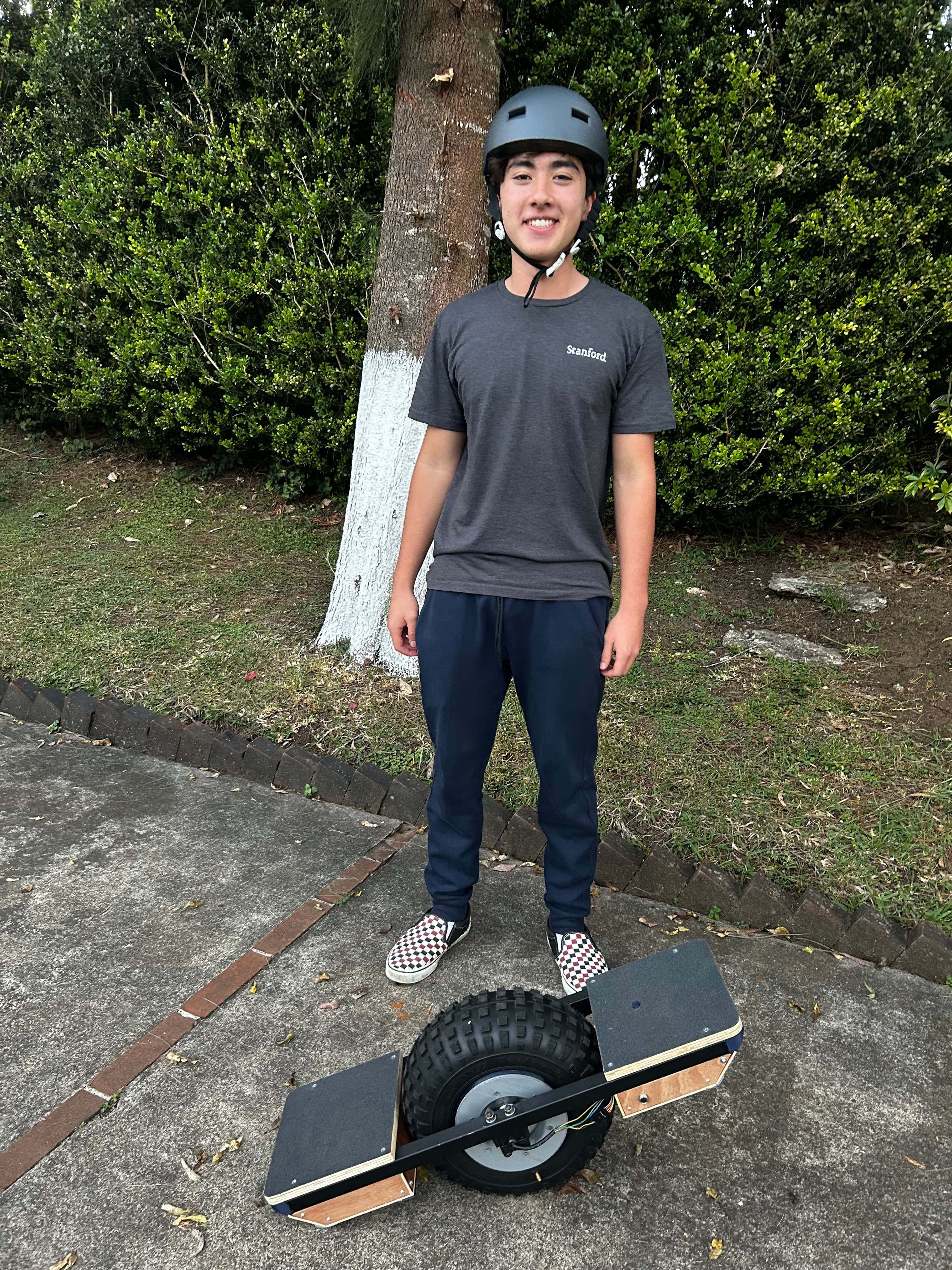
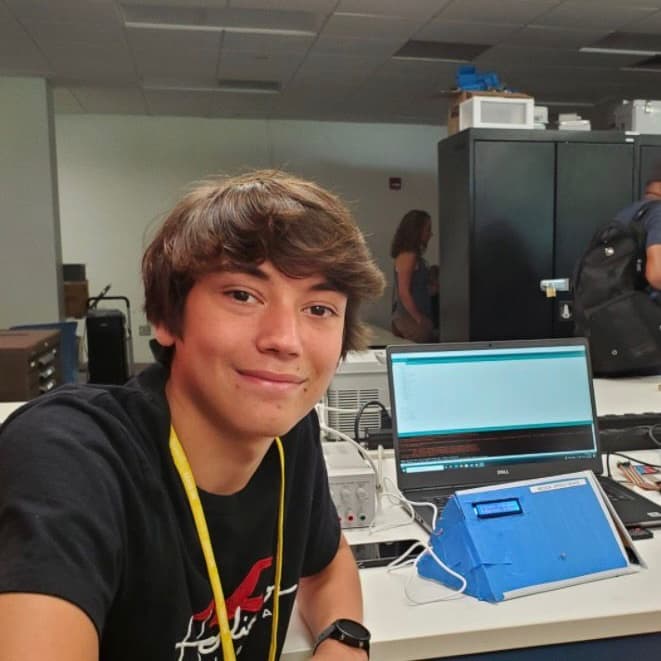
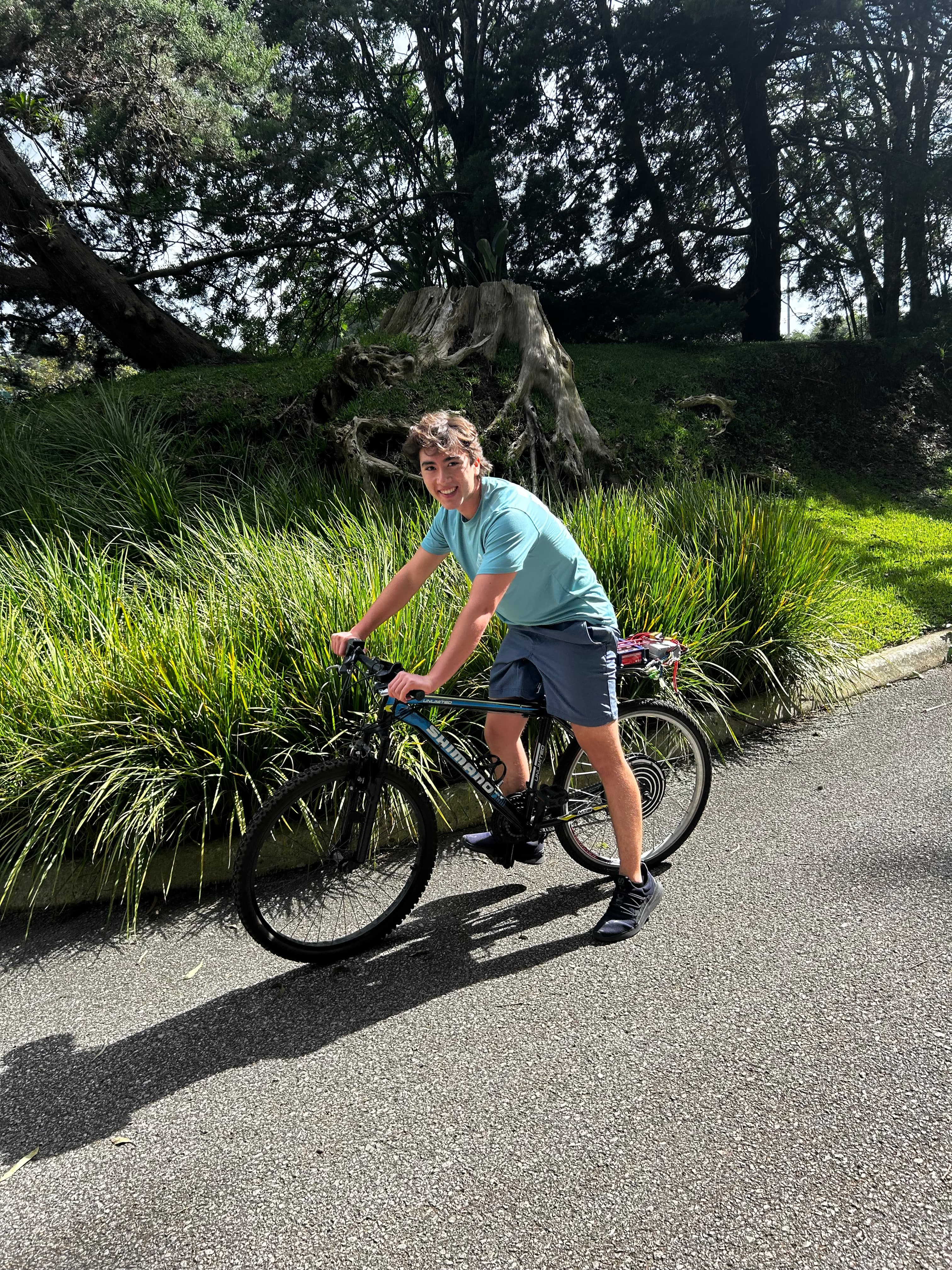
We are Fabian and Carlos, and we both love building things. That is what took us into Mechanical Engineering at Georgia Tech, and it is what we kept chasing every summer after.
What our professional experiences taught us, from interning twice at NVIDIA and at large companies like UPS and Eli Lilly, is that building is only half the work. Documenting what you built is what makes it count, and that half came with a long list of manual, tedious steps: formatting, adhering to a style guide, fixing margins and headings, renumbering a table that drifted out of order. Hours went into the shape of the document instead of the part that was actually worth explaining.
That pain is why we built VibeWrite.
- Carlos and Fabian
FAQ
Before you start.
Do I need an account to try it?
No. Open a starter document and start editing. Sign in when you want to save or come back to it.
Can it write in my voice?
Write Like Me builds a style guide from documents you’ve written, then uses it to guide suggestions in your next draft.
Can I review the changes first?
Yes. Review inline suggestions and accept or reject each change. You keep the final say.
Does it handle citations and equations?
Yes. Ask for a citation or describe an equation, and VibeWrite helps put it into your document.
Can it reformat my document?
Choose a format such as IEEE, APA, or MLA to bring margins, headings, spacing, and references into a consistent layout.
Where are my documents stored?
In your own Google Drive as native Google Docs, or in VibeWrite if you would rather not connect Drive.
Your next draft.
Still your voice.
Start with a document. See what VibeWrite can do.
Book a call